

What is Pinterest, beyond the pretty pictures?
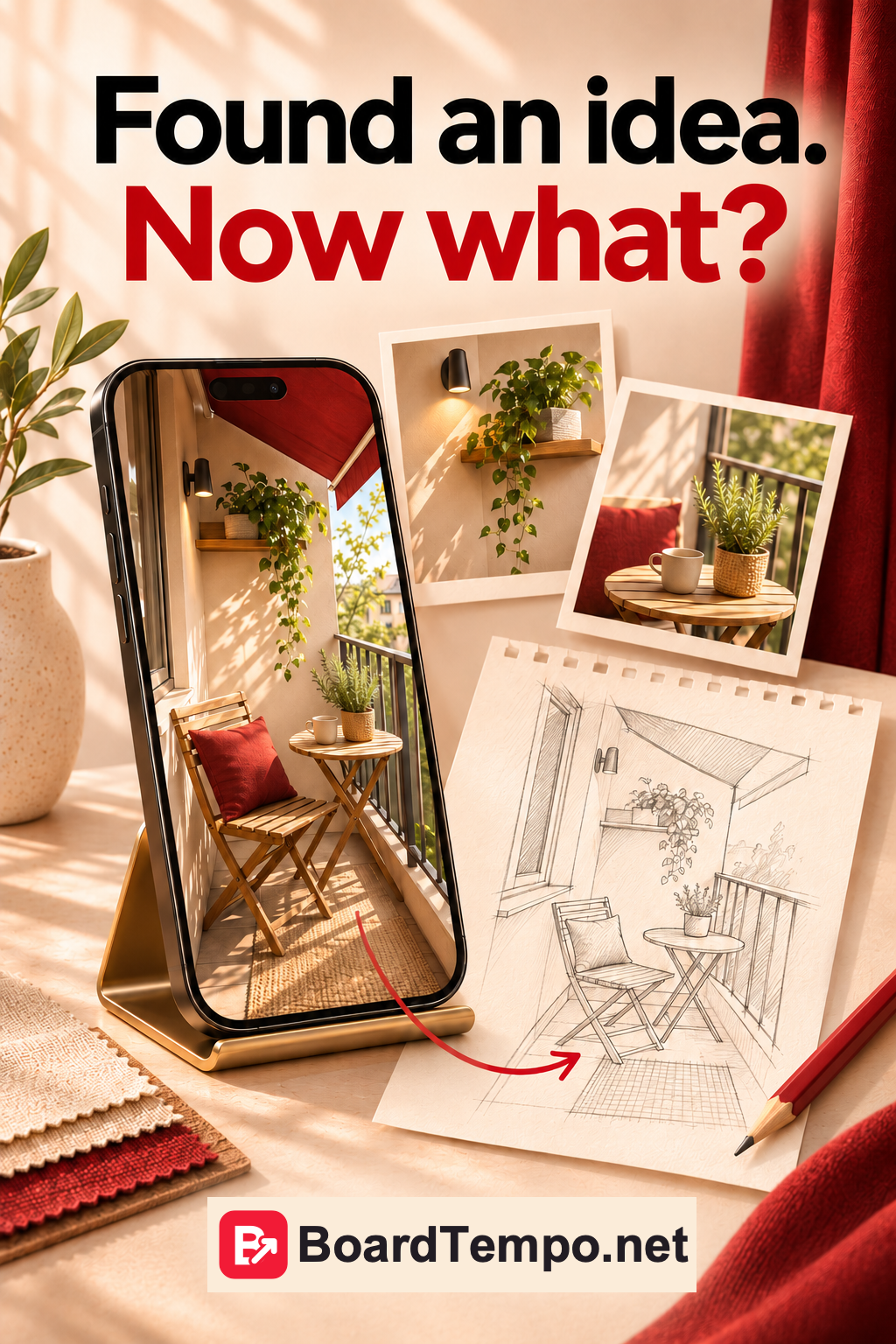
You went looking for balcony ideas. You saved a table, a chair, some string lights and twenty other things you were managing perfectly well without yesterday. Sound familiar?
But Pinterest isn’t just useful when you’re redecorating. If you sew, bake, design interiors or write a helpful blog, it’s a place to show your work to people looking for ideas like yours.
Let’s start with what actually happens here. Becoming a marketing expert in one evening can wait.
Pins, boards and links: what’s what?
A Pin is an individual post: a photo, a video or an image with a useful tip, for example. You can open it, save it and, if it has a link, visit the website behind it.
A board is a collection of Pins on a particular topic. “Small balcony ideas”, say. It’s a handy place to keep things you want to come back to.
Pinterest describes itself as a way to discover ideas visually. You can search using words, browse suggestions and save what catches your eye. That’s why a good photo matters. But the photo alone may not explain what you’re offering.
Saving isn’t the same as buying
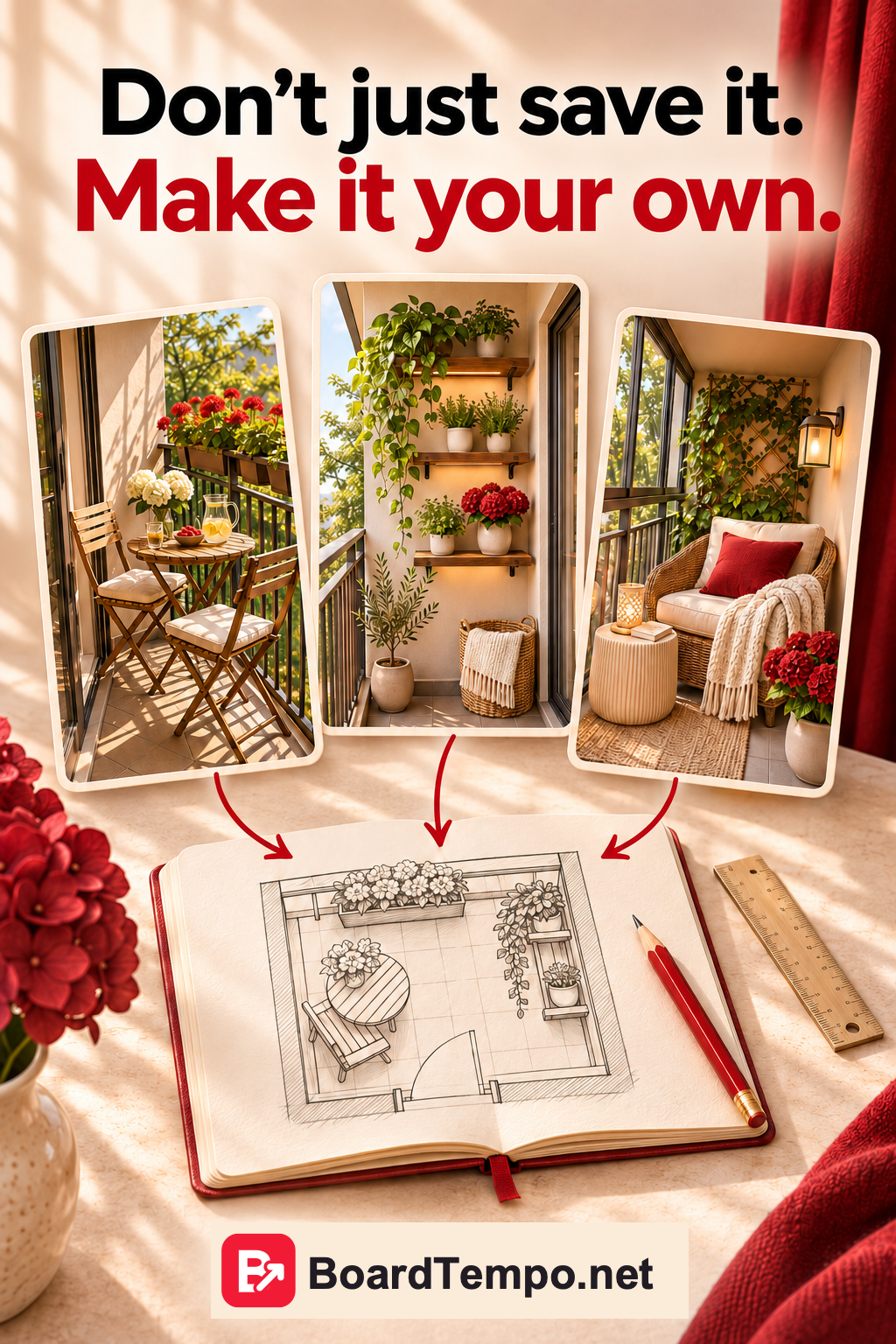
Back to the balcony. You like the chair in the photo. First, though, you need to measure the space, discuss the purchase at home and find somewhere else for the boxes currently occupying your future breakfast spot. The chair can wait.
So you save the Pin. Not because it was useless, but because it’s a good idea for later.
That distinction matters when you’re the one making Pins, too. A save tells you that someone was interested. It’s a bit early to count it as an order. We look at saves and website visits separately in “Are your Pins actually working?”
What can you show if you run a business?
You don’t need a photo in which everything is perfect, right down to the weather outside. It’s more important to make it clear what we’re looking at and why it’s useful.
Suppose you make furniture for small apartments. Show a narrow fold-down table in use at breakfast, then folded away to leave room to walk past. Two photos can explain what it does.
If you teach sewing, show the bag someone could make in your class. A close-up of the fastening and a clear caption about what the lesson covers would help, too.
And if you blog about houseplants, don’t stop at a pretty windowsill. Show what the article is about: how to arrange pots on a narrow sill while still being able to open the window, for example.
These are ways to present your work, not promises that fit every business. Pick something you can genuinely show and explain.
Where to start without drowning in ideas
Choose one piece of work or one article. Not your entire catalogue. Not the whole year’s plans.
First, write down the question someone might be trying to answer. For the fold-down table: “Where can I fit a table on a narrow balcony?”
Then choose a photo that helps answer it. The table might look lovely in a spacious studio, but that won’t show why it’s useful on a tiny balcony.
Now check your website. Is there a page for that table with measurements and photos? Great. Is there only a general catalogue? Prepare the right page first, so visitors don’t have to hunt through wardrobes to find the table.
We go into this in “Your Pin looks great. But where does it lead?” For now, the point is simple: before designing the Pin, know who it’s for and what you’ll show them next.
Try it with your own project
Finish these three sentences:
I can show…
This will help when you need to…
You can find out more at…
For example: “I’ll show a fold-down table. It’s useful for breakfast on a narrow balcony. The linked page will have the measurements, mounting details and photos of it folded away.”
If that third line is still blank, you don’t need to invent a free gift or promise a consultation. Add what’s missing: a page about your work, an explanation or a way to ask a question.
And if all three lines make sense, you have the beginnings of your first Pin. Not a vague “I really should do something with Pinterest”, but an idea you can actually make.
What’s next?
A business account will be useful for your project. In the next article, we’ll work out when to start a separate profile and when to convert the one you already have. Let’s settle that before spending an afternoon choosing a profile picture.
Keep reading
Your Pin looks great. But where does it lead?
Are your Pins actually working?
Source
Let’s talk about it
What could help your project? Share your experience or ask a question.
The discussion will appear here after this article is posted in our Telegram channel and comments are enabled. You can visit the channel meanwhile. Comments are public; you are not automatically subscribed.
Telegram loads only when you click. Telegram may ask you to log in to comment. If the discussion is not available, use the channel link above.