

Your Pin Looks Great. Where Does It Lead?
A good image gets attention. The next step is making sure the link delivers what it promises.
You spot a lovely bedroom on Pinterest. The curtains catch your eye: you've been looking for something just like them. You tap the Pin and land on a shop's homepage.
Sofas, throws, cushions, a sale banner. Lovely. But where are those curtains?
You could go looking. Or you could close the page. There are plenty more bedrooms waiting in your feed.
Now imagine it's your shop. You chose the photo, made the Pin and got someone interested enough to visit. Then you left them to figure out the rest.
Before you publish, ask yourself one question:
What will someone find, and what can they do, after they click this Pin?
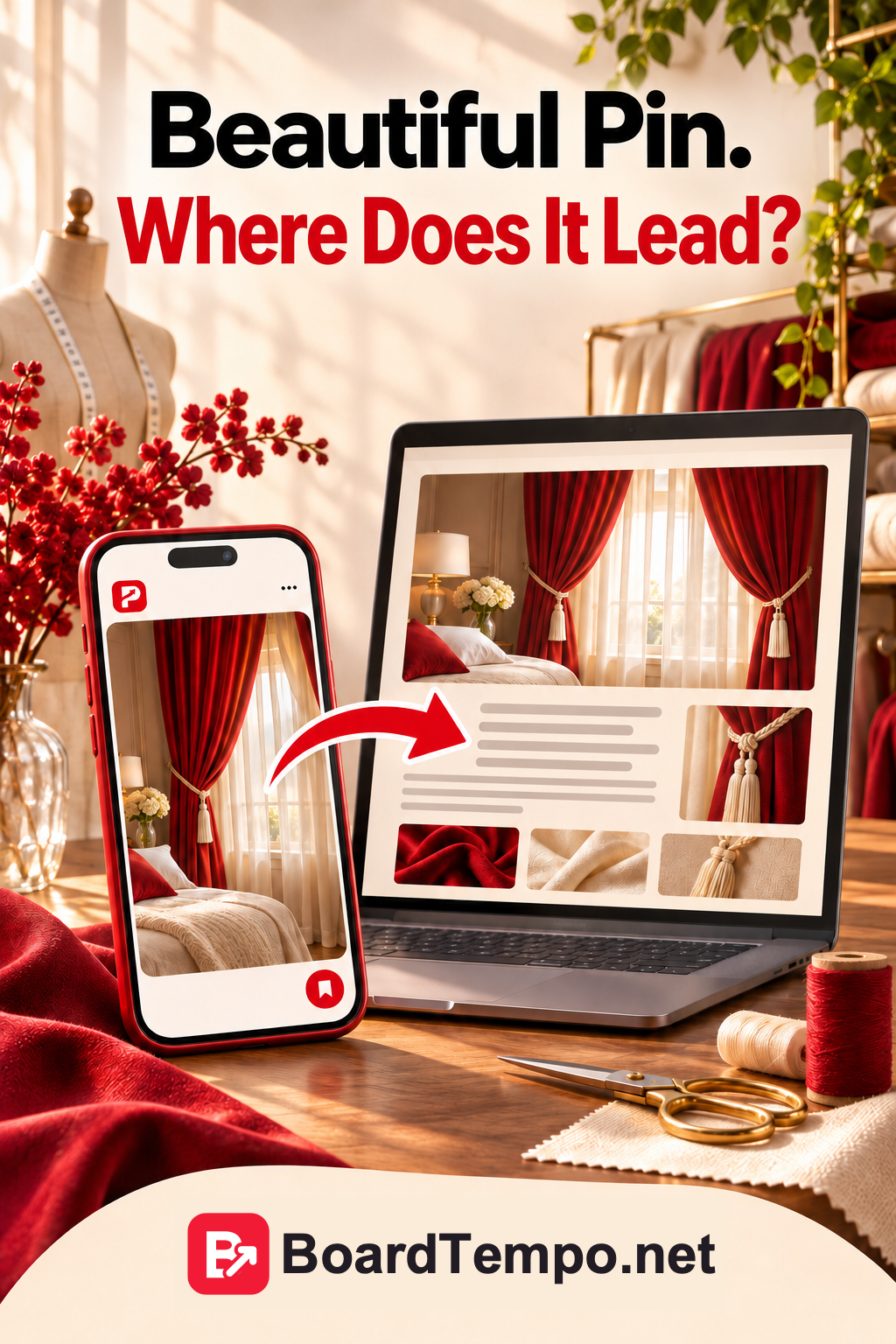
Start with the page, not the Pin
Say you run a made-to-measure curtain business. Your website has examples of your work, an article about curtain lengths and a page explaining how to place an order.
All three could help a future customer. But they call for different Pins.
Showing a finished project? Link to that project or a page with similar work. Visitors can see the details and find out how to order.
Helping someone choose a curtain length? Link to the article that explains it. They may want to work out what suits their room before deciding whether they need your help.
Inviting someone to order curtains? Send them to your service page. Explain what you make, how measuring works, how to get a price and how to contact you.
A homepage has its uses. But if your Pin promises a particular article or shows a particular product, don't make visitors hunt for it all over again.
One Pin, one clear promise
Let's say your article covers curtains that reach the windowsill, just touch the floor or pool slightly at the bottom.
One Pin could ask:
Should curtains touch the floor?
That's the question someone clicks to answer. The article should explain the options, show the difference and help them choose.
If the link opens a fabric catalogue instead, things get awkward. The fabrics might be beautiful. They're just not the answer.
Try finishing this sentence before you publish:
Someone would click this Pin to…
For example:
…work out which curtain length would suit their bedroom.
Now open the page. Can they actually do that there?
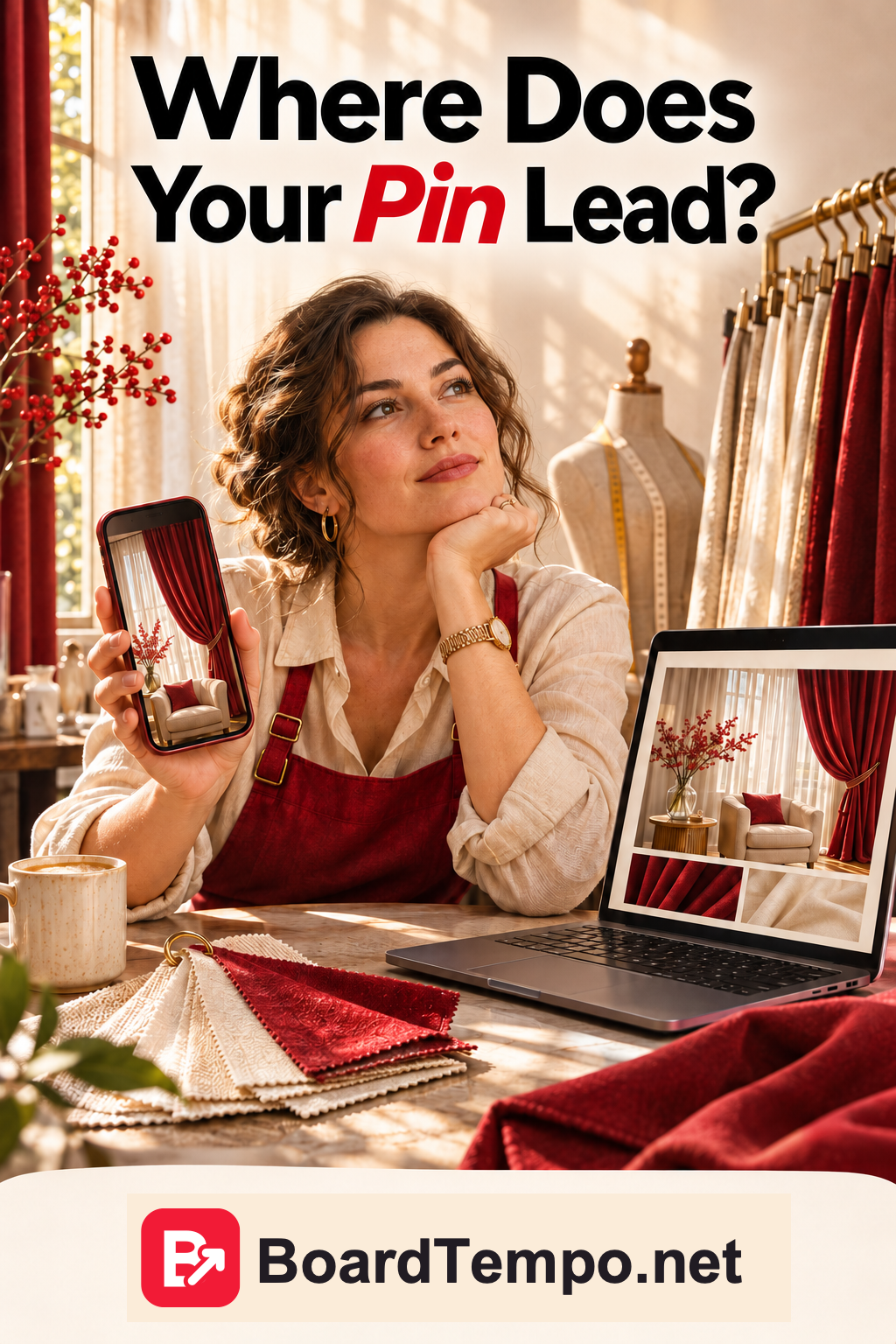
Good Pin ideas may already be in your inbox
You don't have to stare at a blank screen trying to dream up something “viral”. Start with the questions customers keep asking.
For a curtain business, those might be:
- How do I measure my window before ordering?
- What curtain length works with a radiator under the windowsill?
- Which fabric is suitable for a sunny room?
- What if the cat insists on sitting on the windowsill and playing with the curtains?
That last one may not sound like glossy interiors content. But curtains have to live in actual homes, not just photographs.
If you don't answer a common question on your website yet, add something useful: a short article, a section on your service page or an explanation beside a relevant project. Then make a Pin that leads straight to it.
Pinterest's search suggestions can also help you see how people phrase a topic. Treat them as clues, though, not search-volume figures or a promise of traffic.
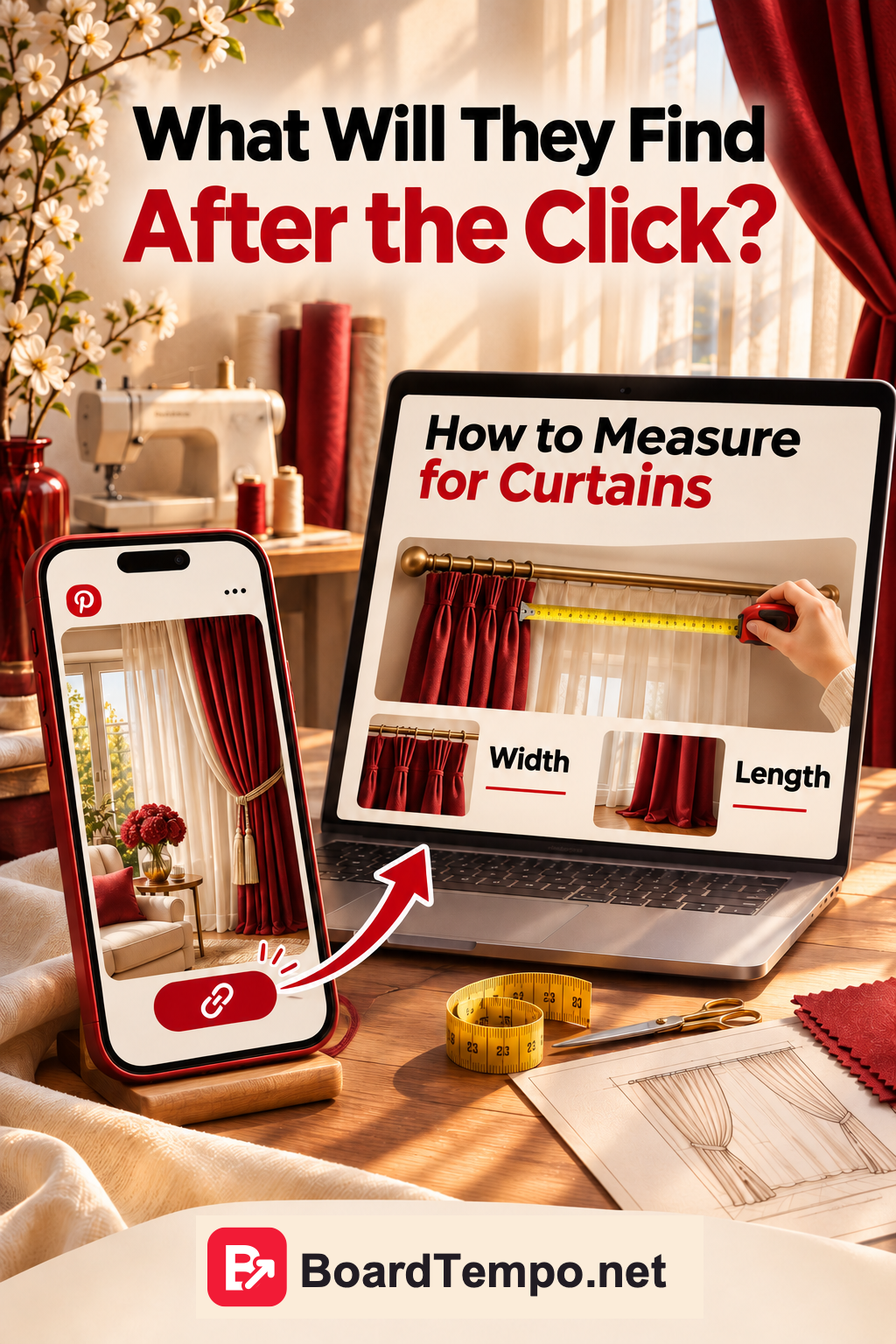
Test the link on your phone
Before publishing, open the exact link a visitor will use, on your phone.
Check that:
- the right page loads;
- the promised answer is easy to find;
- the photos and text are comfortable to view;
- it's clear how to ask a question or enquire about an order;
- the contact button actually works.
You can also ask a friend: “Have a look at this Pin, follow the link and tell me whether it makes sense.” You know your own website inside out. A new visitor doesn't, which is precisely why a second pair of eyes helps.
Try it with one Pin
Choose a Pin you're about to publish and write down three things:
The question: What does the reader want to know or choose?
The promise: Why would they click?
The page: Where, exactly, will they find the answer?
For example:
Question: Which curtain length would suit my bedroom?
Pin: “Floor-length or puddled curtains: which should you choose?”
Page: An article with photos and an explanation of both options.
When those three things fit together, you've made the next step easy: an appealing image leads to a useful answer.
And once readers have found that answer, they can explore your work and decide whether they'd like your help.
Let’s talk about it
What could help your project? Share your experience or ask a question.
The discussion will appear here after this article is posted in our Telegram channel and comments are enabled. You can visit the channel meanwhile. Comments are public; you are not automatically subscribed.
Telegram loads only when you click. Telegram may ask you to log in to comment. If the discussion is not available, use the channel link above.