

Your Pins Are Out There. Are They Doing Anything for Your Business?
Impressions, saves, clicks… Pinterest gives you plenty of numbers. Here's where to start, and what to check when people see your Pins but aren't becoming customers.
You've published a few Pins and check the stats now and then. Impressions are appearing. Someone has saved an image. That's encouraging: your work isn't going entirely unnoticed.
Then comes the next question: people are seeing the Pins, but is anyone coming to the website?
Let's start there. No need to redesign everything or declare that Pinterest doesn't work. First, find out what's happening.
What the numbers actually tell you
Several metrics appear in Pin stats. Some sound similar, but they describe different actions:
- Impressions: How many times the Pin appeared on screen. That doesn't tell you whether anyone looked at it closely.
- Saves: How many times the Pin was saved to a board. The image or idea caught someone's interest, but they may not have visited your website.
- Pin clicks: Interactions with the Pin itself, such as opening it for a closer look. Check the definition shown alongside the metric, because Pinterest's wording can vary between analytics views.
- Outbound clicks: Clicks on a link that takes someone away from Pinterest, for example to your website.
- Enquiries and purchases: Actions on your website or conversations with you. Track these separately through orders, messages or website analytics.
An outbound click doesn't prove that the page finished loading or that the visitor did anything once they got there.
Saves are lovely to see. But if you're using Pinterest to bring in business, you'll also want to know whether visitors reach your offer and can easily get in touch.
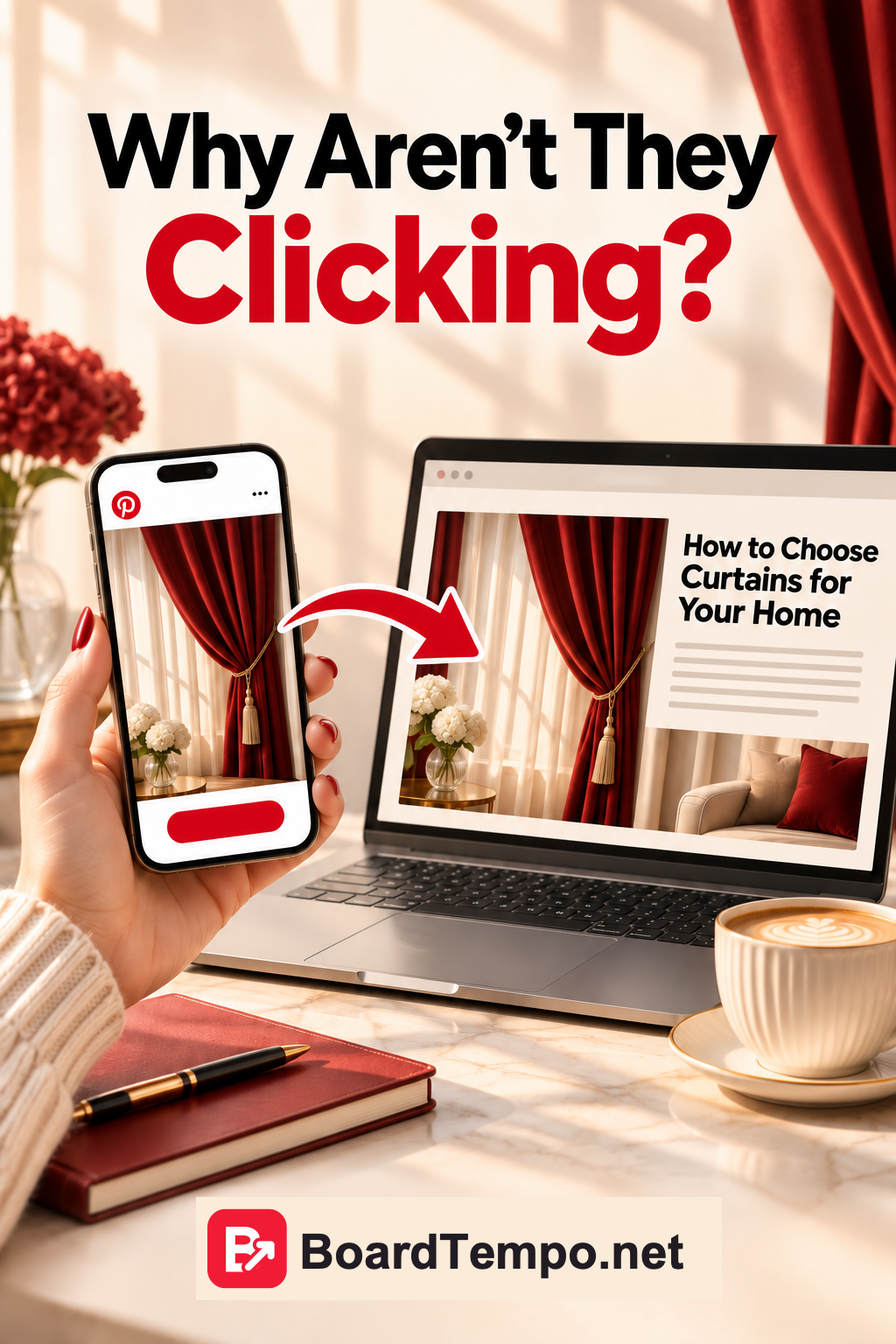
People see the Pin, but hardly anyone visits
Say you make curtains to order. You publish a beautiful bedroom photo and see impressions and saves coming in. Website clicks, not so much.
What does that mean? There isn't enough information to say yet. Readers might simply like the room and be collecting ideas for a future renovation. Or the Pin might not make it clear that there's something useful waiting on the website.
Take a fresh look at the image and title. What would someone gain by following the link?
Compare:
Beautiful Curtains for Your Bedroom
with:
Should Curtains Touch the Floor? How to Choose the Right Length
The first could work as an inspirational image. The second gives readers a specific question to follow through to an article. That article can explain the options and, where it fits naturally, show how to order made-to-measure curtains.
The second Pin isn't guaranteed to perform better. It's something you can test: make a few Pins on a related topic, give them time and compare outbound clicks as well as impressions and saves.
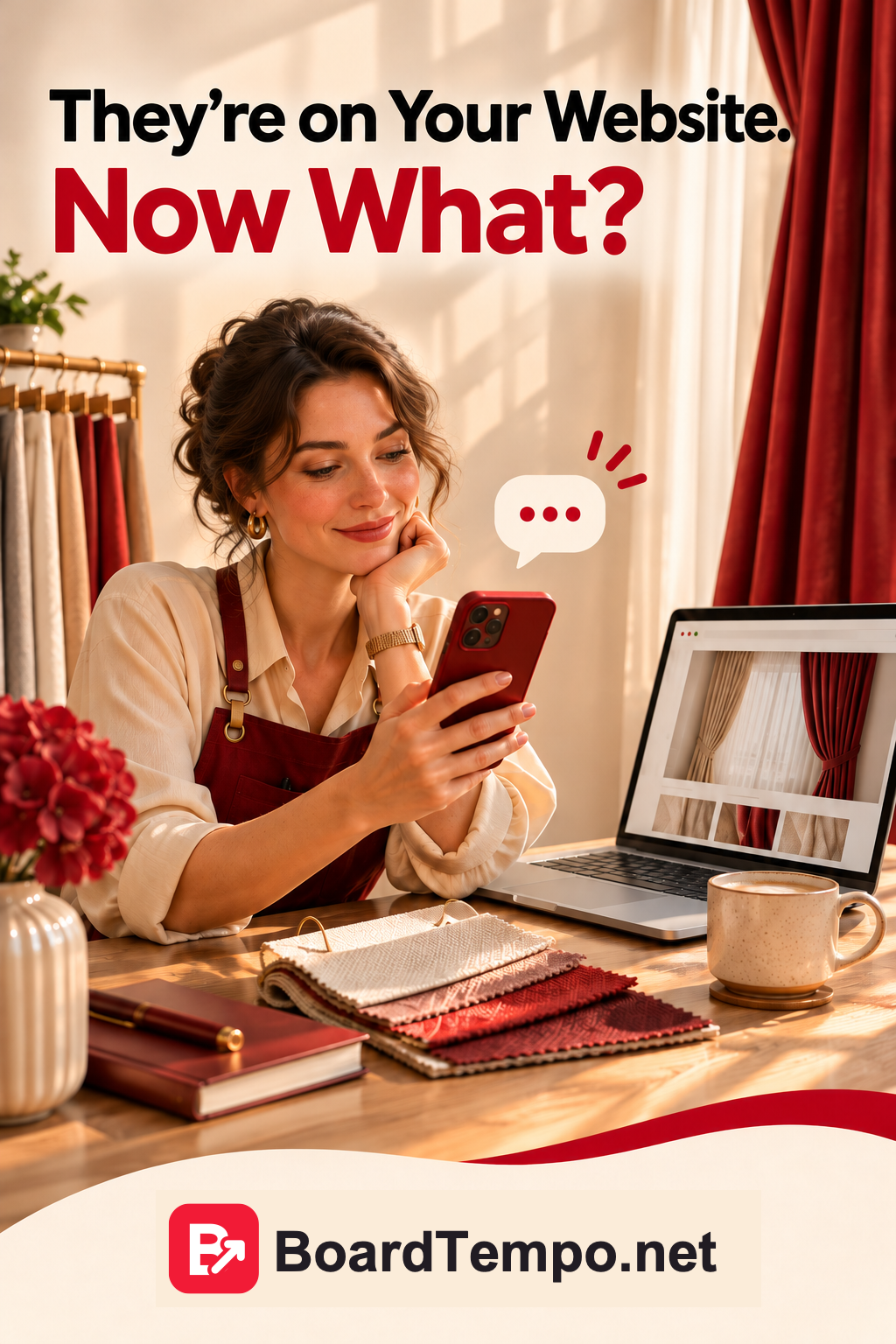
Visitors arrive, but nobody gets in touch
Now imagine you have outbound clicks, but no enquiries yet.
Open the destination page on your phone. Not your homepage, unless that's where the link goes. Follow the same route a new visitor would take.
If the Pin said “How to Choose the Right Curtain Length”, does that article open? Is the answer easy to find, or buried beneath a long introduction?
If a reader then wants you to make their curtains, is the next step obvious? Can they see your work, find out how to get a price and send you a message?
While you're there, check:
- Does the page open without errors?
- Is it easy to read on a phone?
- Do the buttons and form work?
- Is it clear what you offer?
- Can visitors contact you or find out about pricing?
Not everyone arrives ready to buy. Some are choosing fabric. Others are collecting ideas for a renovation six months away. Reading an article and leaving doesn't automatically mean the page has failed.
Wanting to contact you but being unable to find the button, though? That's something you can fix.
Enquiries are coming in. Where did they come from?
Suppose questions about curtain orders start arriving after you publish your Pins. Good news. But don't give Pinterest credit for every enquiry just yet.
A friend might have recommended you. Or a customer might have seen your work on another social platform, then found your website through search.
When it fits the conversation, simply ask:
“By the way, how did you find us?”
A basic spreadsheet is enough to start: date, what they were interested in, how they found you and what happened next. If they don't remember, write “unknown”.
As enquiries grow, tracking tags in links and website analytics can help. They can show parts of the visitor's journey, but not always the whole thing. Someone might see a Pin on their phone and contact you later from a laptop.
It's better to leave the source unknown than give Pinterest credit for an order you can't connect to it.
What to check today
You don't have to investigate every Pin you've ever published this evening. Choose one that has some impressions and links to a page that matters to your business.
Work through these questions:
- What does the Pin promise? Do the image and title give someone a reason to open the link?
- Where does it lead? Straight to the relevant article or product, or to a homepage where the search starts again?
- What happens next? Can visitors get the promised answer and see what to do if they want more help?
- What can you measure? Can you see outbound clicks, and do you know where enquiries come from?
For example, you might discover that a Pin links to your workshop's homepage even though you have a dedicated article about curtain lengths. Try linking directly to the article. Then compare similar periods in your stats. Other factors can affect the result, so one change won't settle everything, but it can help you decide what to test next.
And don't write off a Pin because it hasn't brought in an order yet. It may have shown you that readers like your work. Now make it easy for those who want to know more to find the right page, and to contact you when they're ready.
Metric reference: Pinterest Help: Pin stats.
Let’s talk about it
What could help your project? Share your experience or ask a question.
The discussion will appear here after this article is posted in our Telegram channel and comments are enabled. You can visit the channel meanwhile. Comments are public; you are not automatically subscribed.
Telegram loads only when you click. Telegram may ask you to log in to comment. If the discussion is not available, use the channel link above.