

A Pinterest profile that explains what you do
You spot a lampshade you like and open the maker's profile. “Creating beauty with love,” it says. Lovely. But can you order the shade, the whole lamp, or just admire the sentiment?
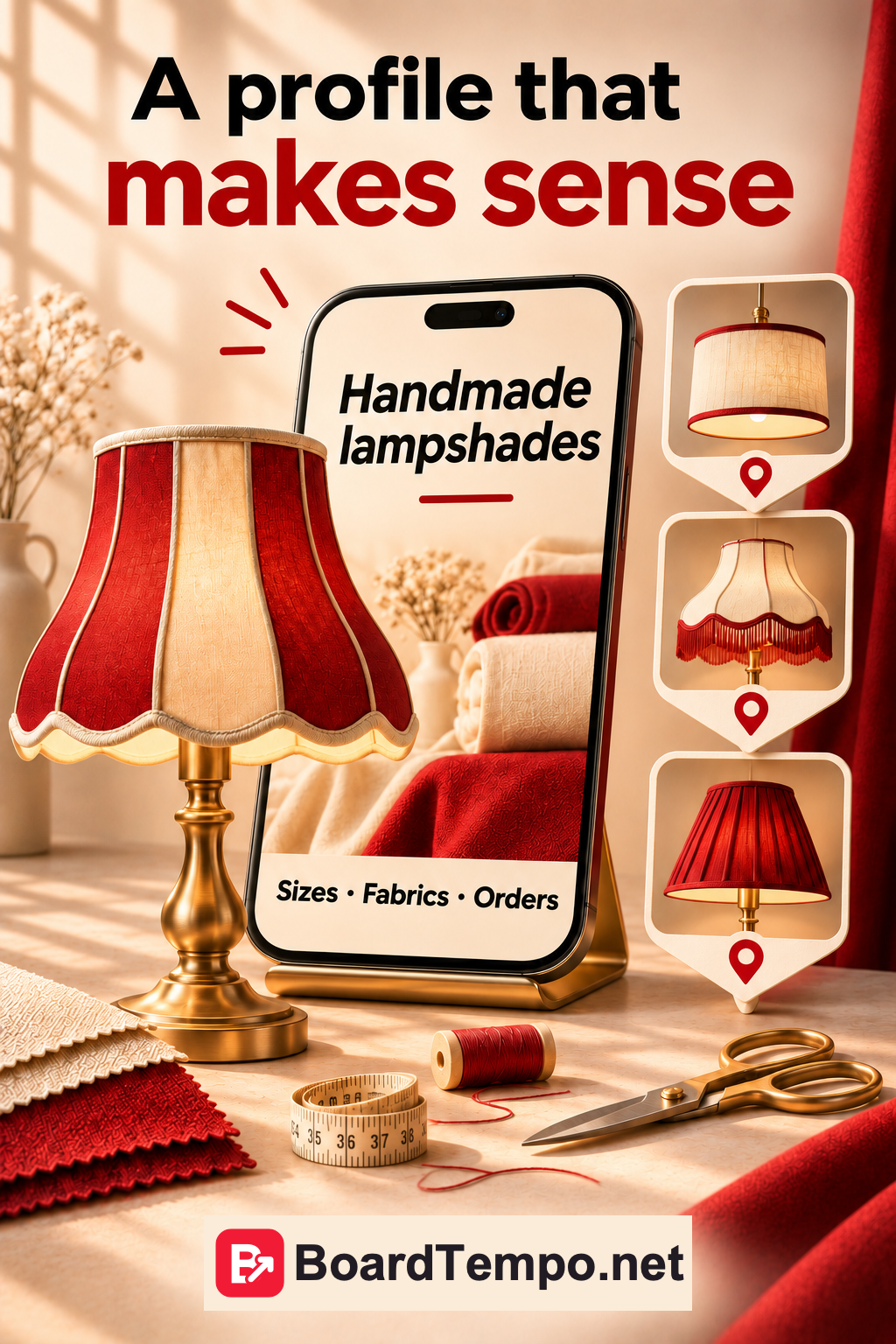
Your profile doesn't need your entire life story. It needs to explain who you are, what you share and where to find out more. Let's use a small fabric lampshade studio as an example.
Start with a name, not a slogan
A studio called Warm Light could use “Warm Light | Fabric Lampshades.” The name still belongs to the business, but visitors no longer have to guess what it makes.
Resist squeezing every search phrase into the space. “Lampshades lamps lighting interiors buy order” sounds as though the keyboard has started running its own advertising campaign.
Pinterest has a display name and a username, which forms part of your profile address. They are separate fields. If you change the address, check the links you've already put on your website and other channels.
Choose a profile picture you can recognize when it's tiny
A simple logo can work for a brand. A clear portrait can work for a maker trading under their own name. What matters is whether it still makes sense at a small size.
A logo with five words of fine print may look wonderful on a large monitor. Inside a small circle, those words become decoration. Check the picture on your actual profile, on a phone, not just in the original design file.
Say what visitors will find here
Instead of “Unique solutions for a welcoming home,” try the answer you'd give if someone asked what you make.
“We make fabric lampshades for table and floor lamps. Browse finished pieces and fabric combinations. Our website has sizes, examples and ordering details.”
Use that only if the studio really offers all those things. If you write about restoring old lamps instead, say so: “I share how I choose fabrics and replace shades on old lamps. Find the projects and materials lists on my blog.”
Those are different offers. One lets you order a product; the other lets you learn from the author's projects. Visitors shouldn't have to send a message to work out which one you mean.
Where does your profile link lead?
Open it as if you've never seen the business before. Is it clear whose studio this is? Are there photos of the work and a way to get in touch? Then the page continues the introduction rather than making you start again.
Your profile link and an individual Pin's link can lead to different pages. The profile introduces the business as a whole. A Pin about a particular lampshade is better linked to that lampshade.
If you only take local orders, make that clear alongside your ordering information. There's little point inviting the whole world to buy and then explaining in messages that you don't ship.
Where to make these changes
Open Pinterest settings and the profile editing section. You can change the photo, name and description there; available fields depend on your account type. Save, then return to the profile to check it. Remember that public profile information is visible to other visitors.
In the app, a business profile has an editing button beneath the profile photo. If your screen looks different, use Pinterest's help for your device rather than hunting for a button where an old screenshot says it should be.
A quick check you can do yourself
Open your profile and cover the description. Does the name explain what you do? Now read the description. Does it add useful detail? Finally, follow the link. Does the website continue the same introduction?
If those three things line up, you don't need another week of polishing. Show your next piece of work instead. A good profile matters, but it won't photograph the lampshades for you.
Keep reading
Pinterest business accounts: choosing the right account
Pinterest boards: give your ideas a home
Your Pin looks good. Where does it lead?
Source
Let’s talk about it
What could help your project? Share your experience or ask a question.
The discussion will appear here after this article is posted in our Telegram channel and comments are enabled. You can visit the channel meanwhile. Comments are public; you are not automatically subscribed.
Telegram loads only when you click. Telegram may ask you to log in to comment. If the discussion is not available, use the channel link above.