

Where can a Pinterest Pin link? Your site, YouTube, or a product page
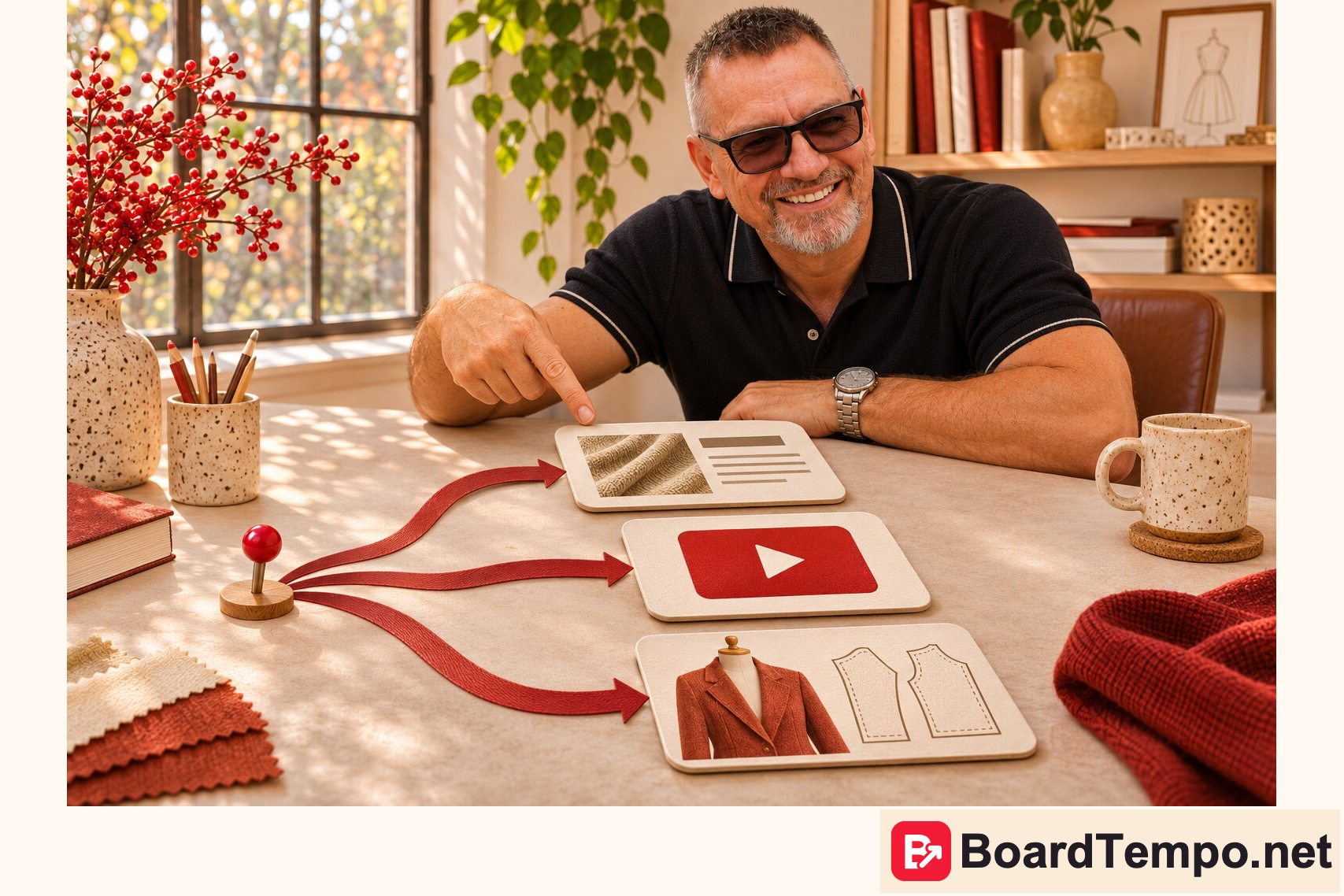
You’ve claimed your website on Pinterest. Can you still make a Pin that sends people to a YouTube tutorial? Yes. A standard Pin has its own Link field. That’s where you choose the page you want people to open.
Two links, two jobs
A claimed website lets Pinterest associate images saved from that site with your profile. It also helps you see how your content is shared. It doesn’t set the destination for every Pin you create.
A Pin destination answers a different question: what opens when someone wants to learn more? Pins on the same profile can point to different websites. You don’t need to claim each destination to enter its URL on a standard Pin.
| What the Pin promises | Where to send people |
|---|---|
| “Print a PDF sewing pattern at 100%” | The guide that explains printer settings and how to check the test square |
| “Bind off without a tight edge” | The video that shows the technique, not the YouTube channel’s home page |
| “Fabric tote bag pattern” | The listing for that pattern. If it’s paid, don’t call it free on the Pin |
Where to enter the link
- On desktop, open the Pinterest menu and choose Create → Pin.
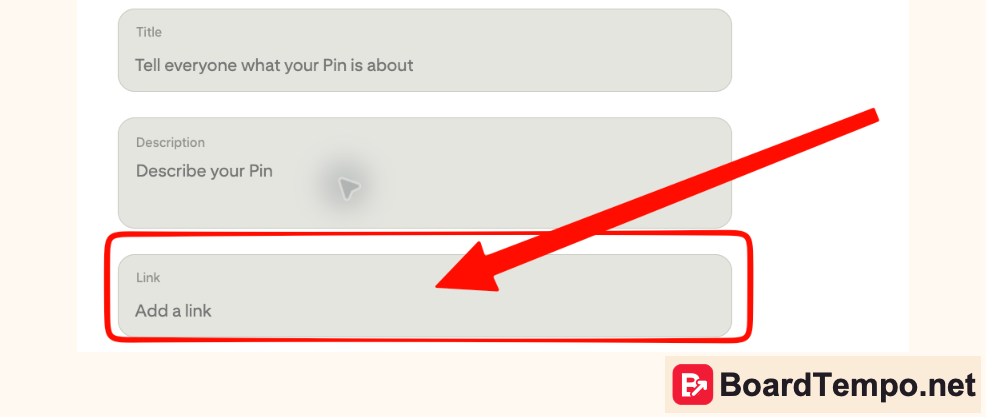
- Upload your image. Find Link → Add a link below Description and above Board.
- Paste the full, direct URL. Open it in a separate tab before publishing. Does it show what you promised? Does it ask people to sign in when you said the resource was open?
Save from URL, in the upload area, is a different tool. It pulls an image from a web page. It isn’t the field for setting the destination of an image you’ve uploaded.
What about Instagram?
Linking Instagram is a separate setup. For example, you can use it to publish Instagram posts to Pinterest automatically. It doesn’t define a list of allowed websites. When you make a standard Pin by hand, its destination comes from the Link field.
When different websites fit the same profile
On a craft profile, it makes sense to link to your own sewing lesson, a relevant knitting video, and a pattern listing. The destinations differ, but all three give your readers something they came for. A tattoo studio or a nutrition project is better served by its own profile rather than an unrelated board inside a sewing account.
Before you publish: do the image, the promise in the title, and the destination page match? If not, change the link or the Pin. Pinterest can block a specific destination whether or not you’ve claimed a website.
Could Pinterest work for your project?
Tell us about your project. We’ll help you choose which topics, pages, and Pins to test first.
Get a free niche review