

A mistake in your Pin: what you can edit and what needs a new Pin
You publish a Pin, then spot the typo. Of course. You read it five times before publishing, but the missing letter waited until afterwards to introduce itself.
Don't delete the Pin just yet. First, find out where the mistake is: in the description, in the link, or on the image itself. That decides what to do next.
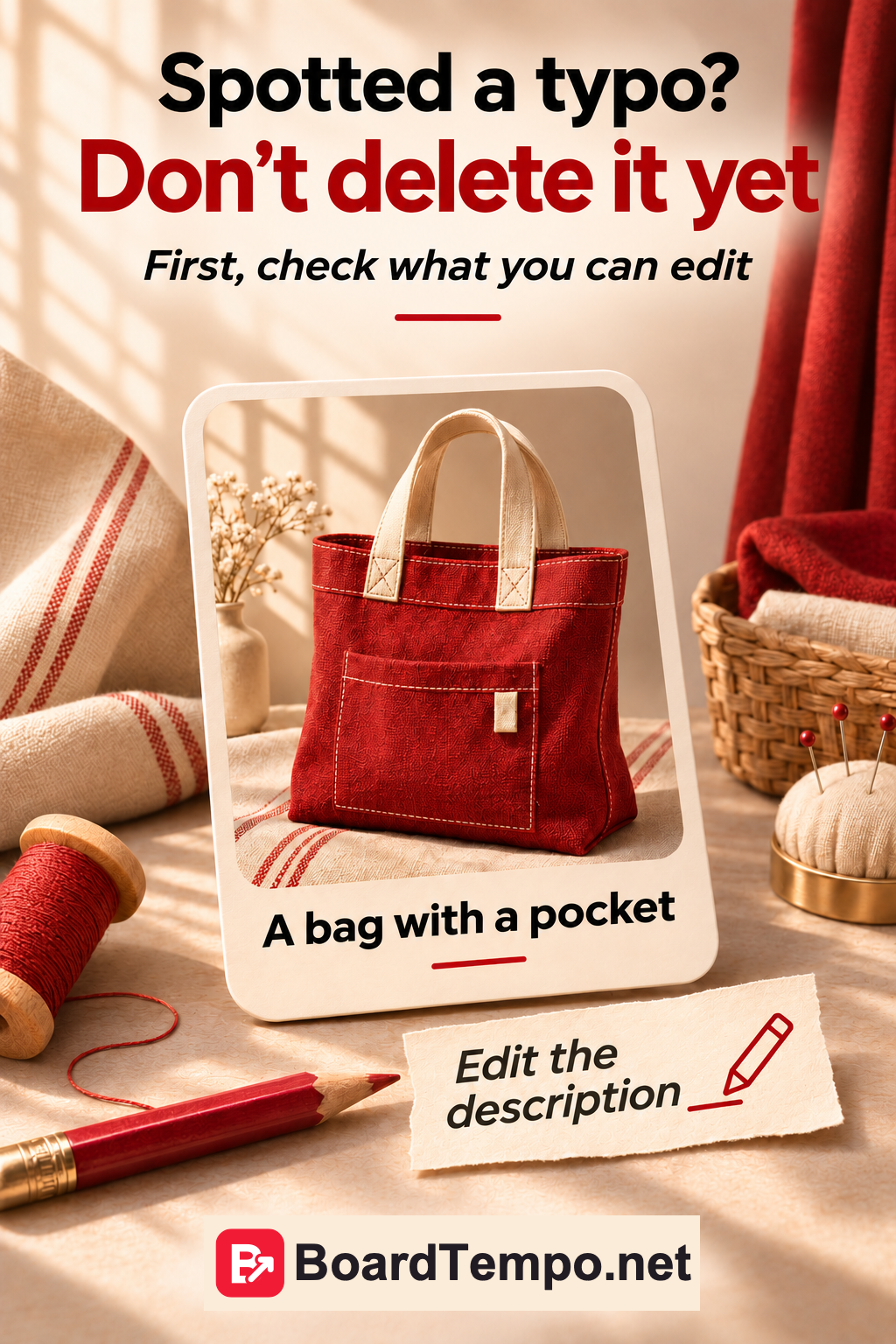
A mistake in the text or link
Open your own Pin and use the menu to edit it. Depending on how it was created, Pinterest lets you change the title, description, link and board. Check which fields are available for this particular Pin.
Perhaps you wrote “inside pocket” in a bag description when the photo clearly shows an outside pocket. If the field is editable, correct the word and save. There's no need to rebuild the whole post.
If the link goes to the wrong page, test the correct address before pasting it in. After saving, reopen the Pin and follow the link. Looking at a familiar-looking URL isn't a proper test: one extra letter can look perfectly innocent.
A mistake on the image itself
If the words are part of the image, you can't edit them like a description. Pinterest doesn't let you replace a published Pin's image, video or audio. You'll need to correct the original and create a new Pin.
For example, if the image gives the wrong bag dimensions, fix the design first. Then decide what to do with the old post. Leaving misleading product information in place isn't helpful to someone trying to choose.
A background colour you've gone off is a different issue. You can use your new preference in the next design instead of endlessly remaking yesterday's work.
If you really do need to delete it
Open the right Pin on your profile, choose editing from the menu, then Delete and confirm. Some labels may differ in the app.
You can't recover an individually deleted Pin. The seven-day recovery window for a deleted board does not apply to a Pin deleted on its own.
Before deleting, keep a copy of your original design and any text you need. That won't restore the post, but at least you won't have to search your entire computer for the photograph again.
Low views aren't a typo
A Pin may look perfectly good and still receive few clicks. Deleting it won't explain why. First check that the offer is clear, the link works and the destination matches the image's promise.
Also consider how long the Pin has been live. One newly published Pin gives you very little to judge its design by, let alone the future of your whole business.
If you want to try a different approach, find another useful reason to open the page. Show how handy the pocket is, or how much fits in the bag. That's a different angle, not just a red background swapped for beige.
The short version
A mistake in an editable text field: correct it and check the result.
A mistake inside the image: fix the original and prepare a new Pin.
Need to remove the post completely? Check that it's the right Pin and keep your source files before deleting.
Not sure why nobody is clicking? Look at the message and the data before reaching for the bin.
Keep reading
Archive or delete a Pinterest board?
One article, several Pins: give readers different reasons to visit
Sources
Let’s talk about it
What could help your project? Share your experience or ask a question.
The discussion will appear here after this article is posted in our Telegram channel and comments are enabled. You can visit the channel meanwhile. Comments are public; you are not automatically subscribed.
Telegram loads only when you click. Telegram may ask you to log in to comment. If the discussion is not available, use the channel link above.