

Pinterest video: show what a photograph can't
The bag has a useful inside pocket. You can't see it in the photo, and the detail gets lost between fabric content and measurements in the description. In a short video, you can simply put a phone and keys into it. Point made.
You don't have to wait until you've bought lighting equipment and mastered editing. Start when there's an action worth showing.
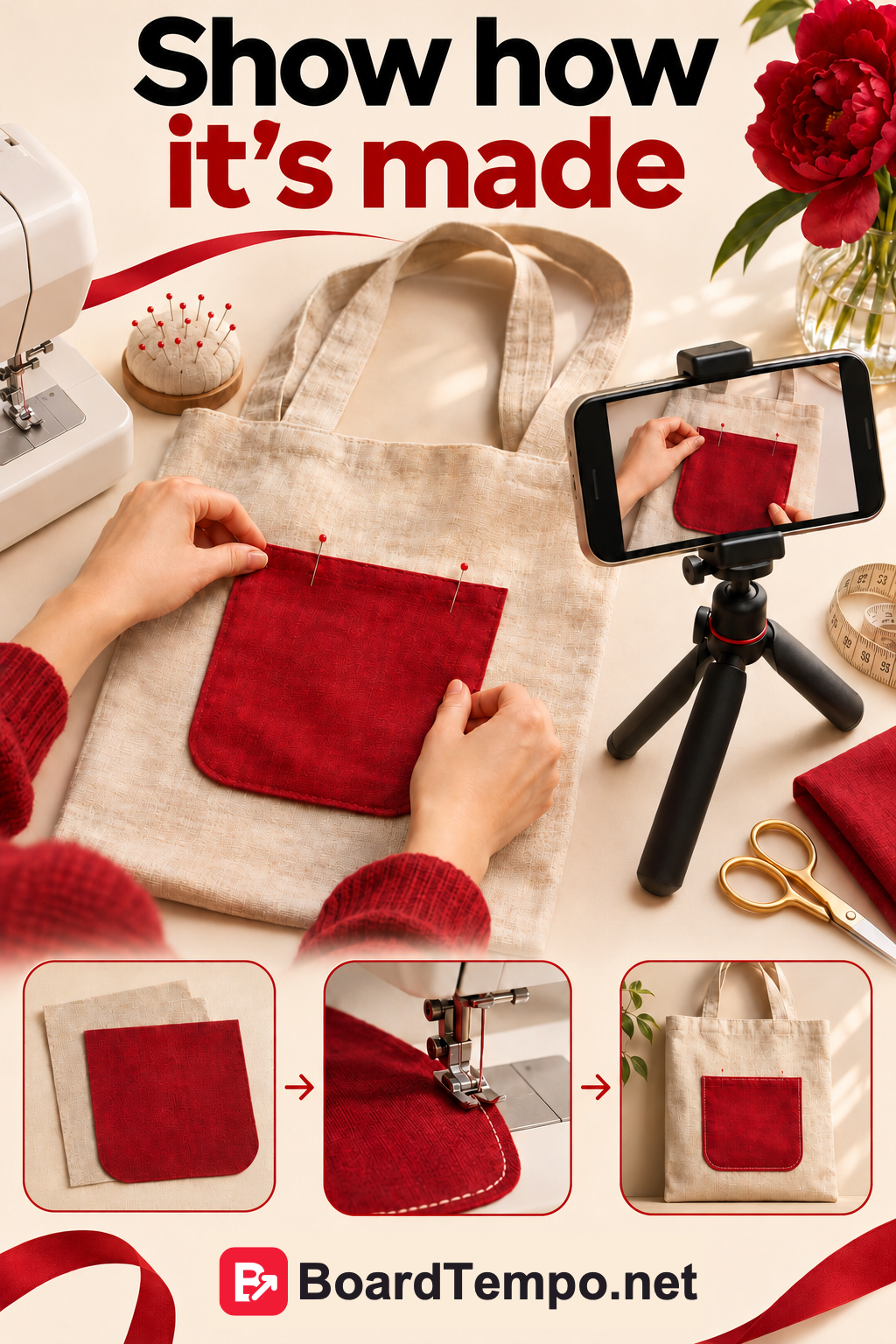
What to film first
Choose one small task. How a table folds. How a bracelet fastens. What the back of an embroidery piece looks like. You don't need the studio tour, the brand story and the entire catalogue in one clip.
For our example, let's use a fabric bag. First, show the whole bag. Then open the pocket and put a phone inside. Finish with the bag on a shoulder. You've answered a useful question: what is it like to use?
Three shots are enough for a plan
Write down what the viewer will see at the beginning, in the middle and at the end. That's a script, even if it only takes three lines in your notes.
Start with the result that makes the video worth watching. Show the important action or detail close up. Finish by pointing to further information.
Film near a window, wipe the lens and clear away distractions. If you're demonstrating a tiny clasp, move closer. Nobody should have to guess what's happening in the far corner of the table.
Then watch without sound. Does it still make sense? If not, add short captions where they help. You don't need the entire explanation covering the product, just the words that make the action clear.
Prepare the file
For vertical video, Pinterest recommends 9:16, such as 1080 × 1920 pixels. Its current guidance lists a duration of 4 seconds to 5 minutes, with MP4 and M4V supported for desktop uploads. Those are technical limits, not a reason to stretch every idea to five minutes.
Leave space around important details. Captions right at the edges can end up close to interface controls. Check the preview on a phone before publishing.
Use your own footage and audio you have the rights to use. Music available in one app isn't automatically cleared for another platform.
Upload the video to Pinterest
On a computer, open the Pin creation tool and choose your video file. In a business account, start with the menu and the option to create a Pin. Choose a cover, add a title, description and link, then select a suitable board.
“Canvas bag with an inside pocket: what fits” tells viewers more than “Our latest arrival.” The link should open that bag's page or a tutorial about it, not a homepage full of unrelated things.
Look at the cover on its own. Can you tell what the video is about without playing it? Check the captions, sound and link. If you used AI-generated content, complete any applicable Pinterest disclosure fields. Then publish when everything is ready.
Try it with your own work
Pick a detail customers often ask to see. Film it in action, then cut anything that doesn't help answer the question.
The result doesn't have to be a spectacular short film. A fastening you can actually see is sometimes more useful than a sweeping camera shot around the product.
Before uploading, check the destination page too. The viewer has seen the detail; now they should be able to find sizes, prices or information about the lesson without hunting around.
Your Pin looks good. Where does it lead?
Sources
Let’s talk about it
What could help your project? Share your experience or ask a question.
The discussion will appear here after this article is posted in our Telegram channel and comments are enabled. You can visit the channel meanwhile. Comments are public; you are not automatically subscribed.
Telegram loads only when you click. Telegram may ask you to log in to comment. If the discussion is not available, use the channel link above.