

A Pinterest report that tells you what to do next
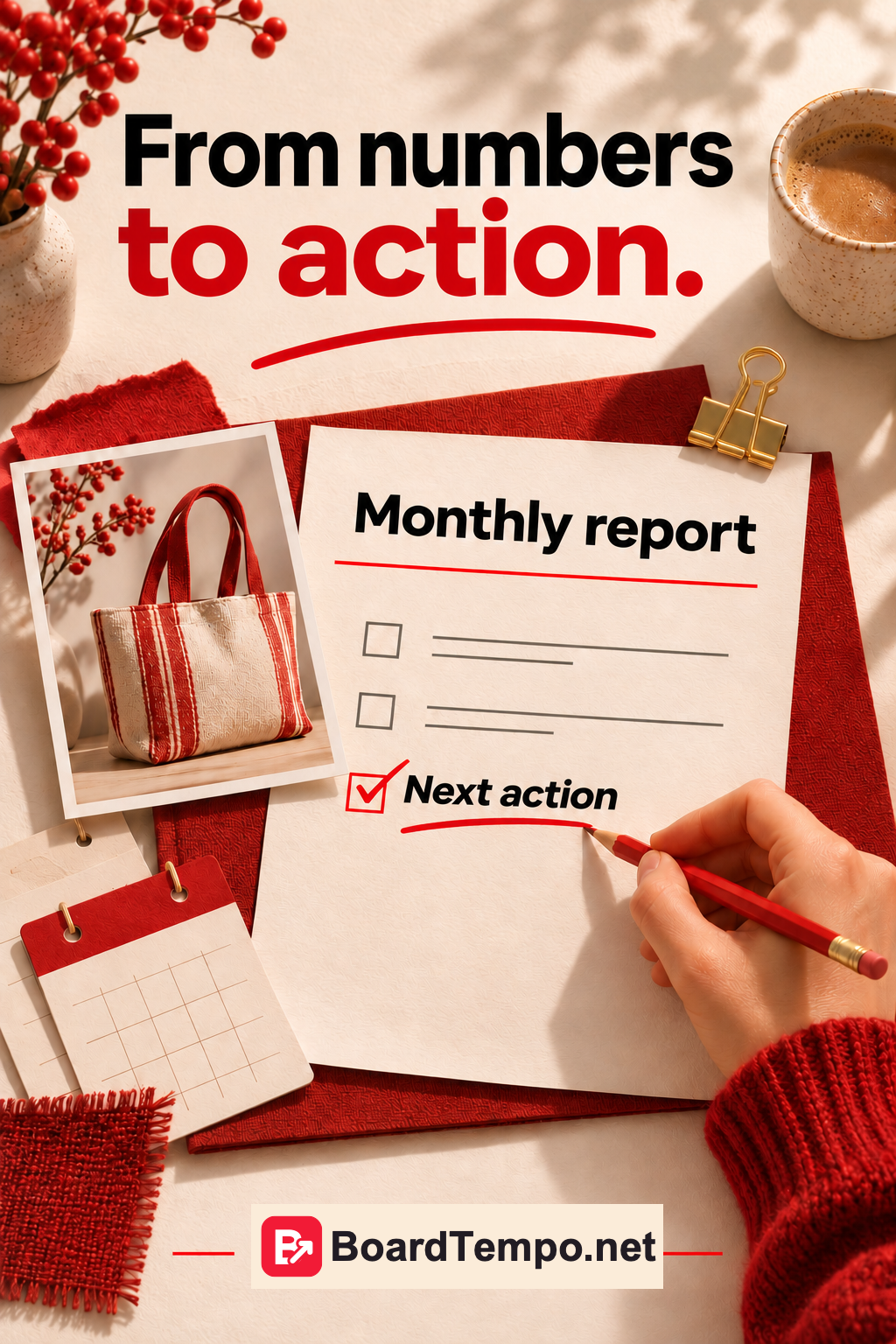
The report has arrived. Pins published, graphs drawn, plenty of green arrows. Yet it does not answer one simple question: what should we do next month?
Build it the other way round. Start with the decision, then show the figures that explain it. You may only need one clear page.
State the conditions first
Name the project, reporting dates and export date. Say whether you are reviewing organic content or advertising, the whole account or one topic.
Months have different lengths. Two completed four-week periods can simplify a working comparison. That is a practical choice, not a Pinterest requirement.
If the form, analytics setup or consent banner changed, note the date. A change in measurement can otherwise look like a change in demand.
Say what actually happened
Replace “content work completed” with something concrete: published an article about embroidery sizes, created Pins showing different examples, replaced a link to an old catalogue.
A finished design and a published Pin are different results. An article waiting for approval is not yet helping website visitors. Keep those statuses separate, even if ticking the whole row is tempting.
A worked example
The following figures are fictional and illustrate a report for an embroidery-kit shop. They are not a BoardTempo client result.
Period: four completed weeks compared with the previous four. Organic content only; identical report settings.
Pinterest outbound clicks: 80, then 110.
Website sessions attributed to Pinterest: 61, then 84.
Confirmed enquiries with that source established: 2, then 3.
Paid orders from those enquiries: not yet checked.
Work completed: an article on choosing a kit and three Pins linking to it.
Observation: more visits reached the page. Two of the three enquiries asked about the finished embroidery's size.
Question to investigate: are dimensions easy to see on mobile, and is there a photo showing the embroidery in a room?
Next action: the owner adds dimensions and a suitable photo. In four weeks, review visitors' questions and traffic again.
Why not write “sales increased”? Because payments have not been checked. Why not promise that the photo will solve everything? It is a sensible change to test, not a result already achieved.
Do not force the numbers to match
Pinterest outbound clicks and website sessions measure different actions. Their totals need not match, and adding them will not produce a customer count.
If enquiries were not tracked, write “not measured,” not zero. If an order's source is unknown, leave it unknown. Improve tracking for the next period instead of inventing details for the previous one.
Finish with one or two actions
“Continue promotion” is vague. “Check the kit page on mobile and put dimensions above the order button” is a task. Give it an owner and a date.
You do not have to fix everything at once. Choose a problem you actually observed and a manageable next step. Begin the next report by checking that action: was it done, was it tested, and what changed?
Draft your own short report
Use six headings: period and conditions; what went live; visits and enquiries; what is not measured; main finding; next action and owner.
Read it aloud. If someone still needs you to explain what to do, replace the general language with the actual work. Add the graphs afterwards.
Read next
Are your Pins working? https://boardtempo.net/en/guides/are-your-pins-working/
Sources
Pinterest Analytics: https://help.pinterest.com/en/business/article/pinterest-analytics
Pin stats: https://help.pinterest.com/en/business/article/pin-stats
Let’s talk about it
What could help your project? Share your experience or ask a question.
The discussion will appear here after this article is posted in our Telegram channel and comments are enabled. You can visit the channel meanwhile. Comments are public; you are not automatically subscribed.
Telegram loads only when you click. Telegram may ask you to log in to comment. If the discussion is not available, use the channel link above.