

Hiring a Pinterest manager: agree on more than pretty pictures
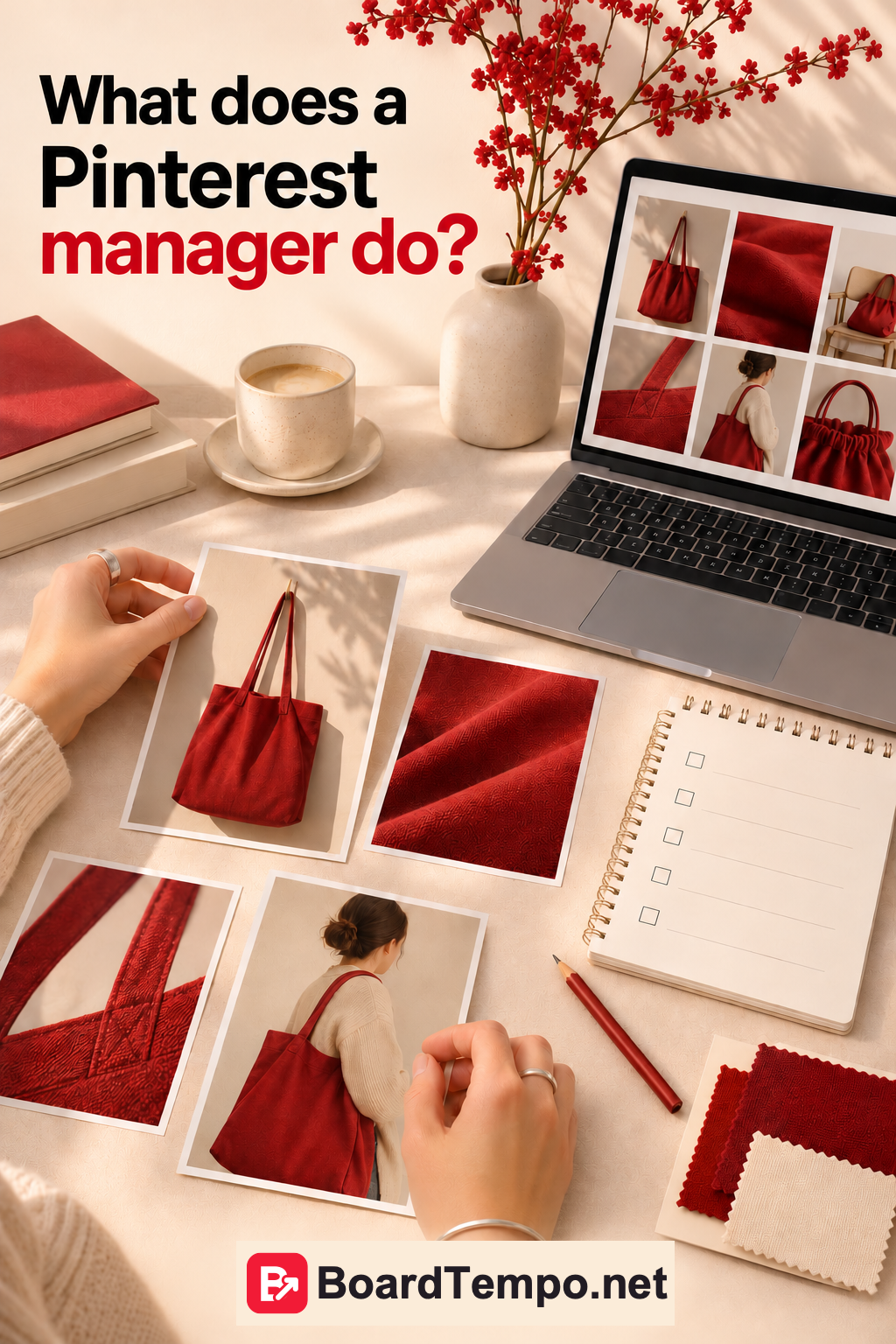
Orders in the morning, photography in the afternoon, customer messages in the evening. Pinterest gets whatever energy is left. You would quite like to hand it over to someone who knows what they are doing.
But “manage Pinterest” can mean very different things. One specialist means designing ten images. Another means learning your range, choosing topics, preparing publications and checking where visitors go. Find out which before the first invoice.
Start with the job, not the Pin count
Suppose you make bags and want to introduce a new laptop model. Your manager needs more than photos: dimensions, price, features, the product link, availability and delivery details.
That could lead to several useful Pins: what fits inside, how it looks on the shoulder, how it differs from another model. Handing over a photo folder with “Make it look nice” will not fill in the missing information.
Discuss the priority: introducing the range, bringing readers to your blog or generating service enquiries. Then topic choices have a purpose beyond filling a package quota.
What can you hand over?
Topic and search research: how customers describe your products and what they ask before buying.
Content preparation: ideas, images, titles, descriptions, links and board organisation. Clarify whether photography, original illustrations and website copy are included or supplied by you.
Scheduling and publishing: who approves the content, when it goes out and what happens if a featured product sells out.
Reviewing results: what was published, what attracted interest, what brought visits and what needs changing. The job need not end with a folder called “Pins_final_FINAL_really.”
Agree on the practical details
Write down the scope, dates, approval process and revisions. List exclusions too: advertising, website changes, customer messages or translation. Clear boundaries save more frustration than an inspiring kickoff call.
Agree who owns the source files and where they live. The business owner should retain access to their materials and accounts when the collaboration ends.
Check available roles in Pinterest Business Manager and grant only the permissions needed. If a role does not support a required action, agree on a suitable workflow. Sending your main email password in a chat “to save time” is not one.
Reading a report without being a marketer
Start with what was planned and what actually happened. Then look at which Pins brought website visits and what is known about those visits.
Impressions, Pin clicks and outbound clicks measure different things. Each number needs a label and a clear comparison period. A large number on its own is mostly presentation decoration.
If the report attributes sales to a publication, ask what supports that claim. Shop data? Tagged links? A matching date range? Or are we looking at visits so far? That is a reasonable question, not a trick exam.
A useful report ends with a specific action: photograph the bag's capacity, clarify a title or repair a link. “Continue working on growth” can survive almost any month without changing a word.
Want to become a Pinterest manager?
Take a small practice project through the whole process. Choose an offer, research buyer questions, prepare several different Pins and explain your decisions.
Keep the reasoning as well as the designs. A potential client benefits from seeing why you chose that destination page and what you would check after publication.
Do not claim results you have not achieved. An honest practice project is more convincing than an invented success story. Keep your first service specific too: topic research and an agreed set of content, for example, rather than promising to rebuild a company's entire marketing operation.
Before your next conversation
Write down three jobs you lack time for and mark which materials are ready. That gives a specialist far more to work with than “Please do our Pinterest.”
For the numbers worth discussing, read “Are your Pins working?”
Sources
Let’s talk about it
What could help your project? Share your experience or ask a question.
The discussion will appear here after this article is posted in our Telegram channel and comments are enabled. You can visit the channel meanwhile. Comments are public; you are not automatically subscribed.
Telegram loads only when you click. Telegram may ask you to log in to comment. If the discussion is not available, use the channel link above.