

Before making new Pins, check where the old ones lead
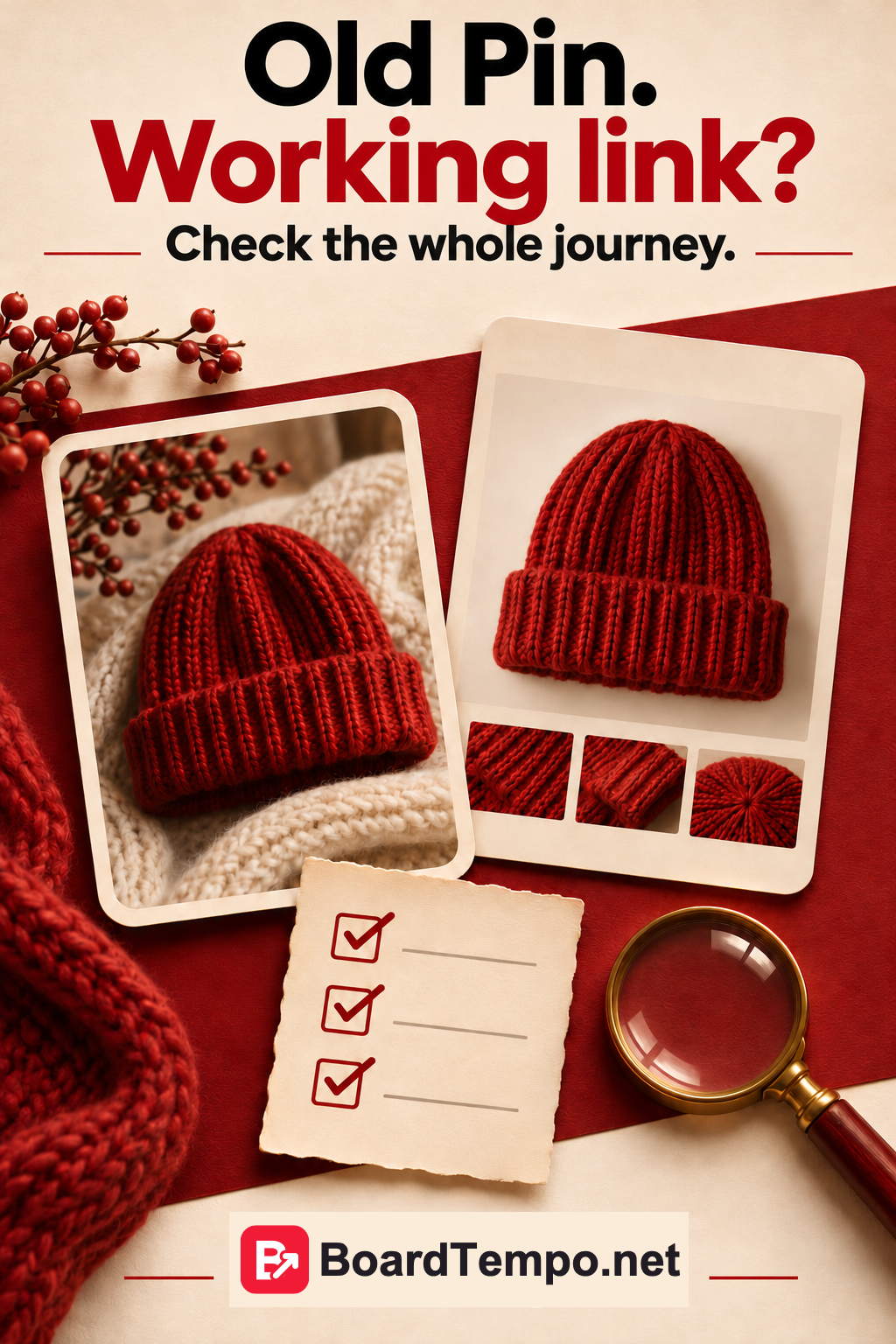
The knitted hat sold out months ago. The collection changed. The website was rebuilt. But the Pin still turns up in search, and its link now leads to an empty page.
Before preparing another batch of pictures, check a few older publications. Repairing their links may be more useful than spending another week inviting shoppers to a page with nothing left for them.
Choose a small set to check
Take a few of your own Pins that bring outbound clicks, plus some older product or seasonal publications. Five is a manageable first pass, not a platform requirement.
Record each Pin's address, what the image promises and its destination URL. Open the link on your phone. You are checking what the page shows, not merely whether a website loads.
Pinterest notes that a Pin can attract interest months or even years later. An old image does not necessarily stop working when last year's catalogue is retired.
If it links to a product
Suppose the Pin shows a red hat with a wide folded brim. The destination should identify that model, show its photos and give its current availability.
If it has sold out, say so clearly. You can offer alternatives without disguising them as the original: “This colour is no longer available. Here are the current options.” Silently sending visitors to a general catalogue leaves them to work out what happened.
If the model will return, give a confirmed date or offer a stock notification if that service genuinely works. Do not invent a date just to keep someone interested.
If it links to an article or download
The Pin promises a knitting pattern, but after a website move only the article title remains. Check the file, pictures, permissions and download button. Test the download while signed out: a file available to you may be inaccessible to a new reader.
For an article, check that the promised explanation is still present. Are the diagrams readable on a phone? Does a subscription popup cover them?
If a newer version replaces the old material, provide a clear route to it. Discuss technical redirects with whoever maintains the site so you do not break other links while fixing this one.
If it links to a service
Services can expire too. A workshop has ended, booking is closed or the programme has changed.
You can keep an event page with an honest status and useful information: a recording if one exists, or confirmed future dates. But “Book now” should not lead to a form nobody reads anymore.
For an active service, check where enquiries arrive and who handles them. Clearly label test submissions so they are not mistaken for real bookings.
Fix the dead ends first
Start with broken addresses and inaccessible files. Then tackle wrong products, old dates and outdated terms. After that, remove friction: tiny diagrams, hard-to-find sections and buttons that disappear on a phone.
Pinterest recommends working links and destinations that match the Pin. Fixing a problem does not prove that clicks will increase. It makes sure someone who is already interested can reach what they were promised.
Avoid changing every photo, title and page at once. Record the fix and the date. Otherwise, later comparisons become an exercise in remembering which of five versions was live yesterday.
Keep a short check log
Pin: its address and promise.
Page: what opened on your phone.
Problem: sold-out item, restricted file, broken form, or no problem found.
Fix: what changed and when you tested it again.
Try one older Pin today. Follow it all the way to the product, explanation or file. If it works, good. If it does not, you now have a specific job rather than a vague feeling that you should “do something about traffic.”
Read next
Source
Let’s talk about it
What could help your project? Share your experience or ask a question.
The discussion will appear here after this article is posted in our Telegram channel and comments are enabled. You can visit the channel meanwhile. Comments are public; you are not automatically subscribed.
Telegram loads only when you click. Telegram may ask you to log in to comment. If the discussion is not available, use the channel link above.